
Primary School with Computing Problem

A member of the School of Science and Technology helped a local primary school look at ways they could add some programming into some of their ICT lessons. The Greenfoot software (http://www.greenfoot.org/overview) and tutorials (http://www.greenfoot.org/doc) were used to demonstrate some possible ways this could be done. This type of activity is similar various people are trying around the country to persuade children that programming is fun and not as hard as some people may tell them (see Coding for kids is as easy as Pi  for another example)
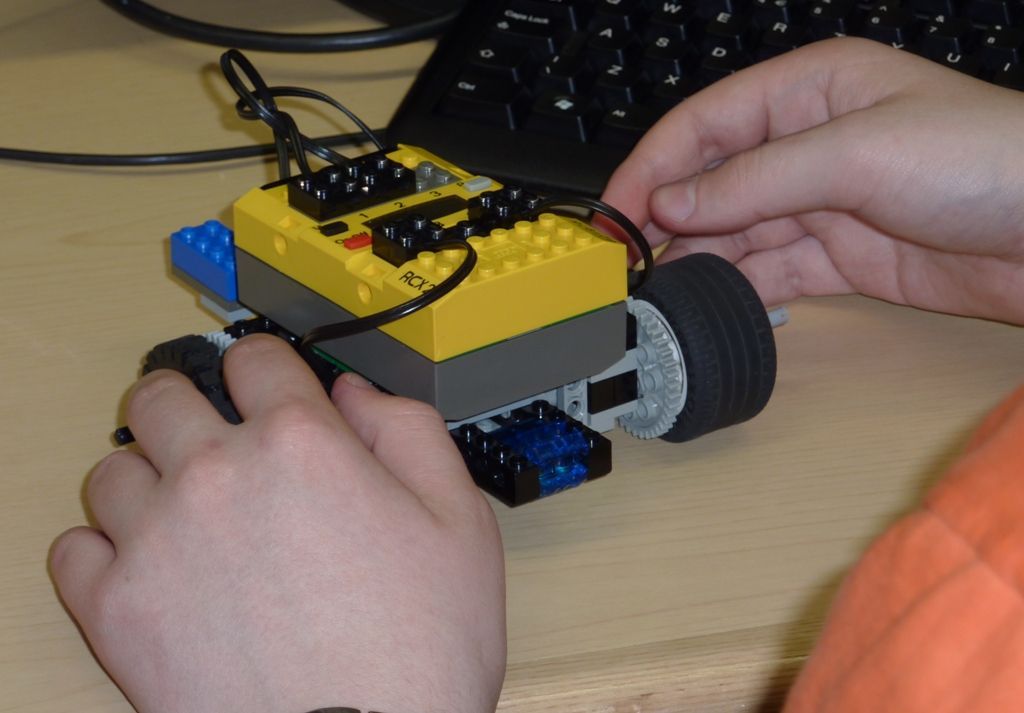

This Greenfoot work forms part of the on-going out-reach activities the School of Science and Technology, University of Northampton is actively working in partnerships with schools. Other examples include:

For more details on any of these please contact Dr Scott Turner


Comments

Popular posts from this blog

Build yourself a Crumble Eggbot from junk

Full details at http://bit.ly/2yZ3dZT There was three inspirations for this project ·       Eggbot - http://www.instructables.com/id/Plastic-Egg-Bot/?utm_content=buffer9b065&utm_medium=social&utm_source=twitter.com&utm_campaign=buffer ·   Femi Owolade supported by Nic Hughes ran a session at Mozilla Festival 2016 using the Crumble’s to make a wheeled robot. ·   The junkbot project https://junkbots.blogspot.co.uk/ Kit ·       Kinder Egg (without the Chocolate and toy) ·       Crumble  also available at  https://redfernelectronics.co.uk/crumble/ ·       4x Crocodile clips and leads ·       Battery pack and 3xAA ·       Vibrating motor ·       Tape (lots of) . Sticky-tack of some form. ·       Pe...

Building an artificial neuron in Scratch

1. Single Neurone   Instructions: Set the inputs by pressing the buttons marked input 1 and input 2 (Red is off(False or 0) and Green is on(True or 1)) Change the weights by changing weights 1 to 3, wx goes with input x and weight 3 is the bias. To activate the neuron you need to click on the the yellow ball ('the neuron'). The video below show it in action and explains the code. To see the code go to  https://scratch.mit.edu/projects/131892234/  . A slight modification click on the bell to change the weights The code is available at  https://scratch.mit.edu/projects/171190294/ 2. Training a Neurone In this part, the training of a neuron all written in Scratch is tackled. The video shows it action and you can have a go at using the software yourself at the end of the post. The Scratch code can be found at  https://scratch.mit.edu/projects/132915502/ All opinions in this blog are the Author's and should not in any way be seen a...

Problem-solving or computational Thinking

Confession time, this has been a research interest for me, along with a number of colleagues, since around 2005. It started with undergraduate students - investigating teaching and developing problem solving skills as a first step in developing programming skills through the use of LEGO-based robots and graphics based programming for undergraduate students. The main vehicle then for developing the problem-solving skills was the LEGO RCX Mindstorms robotics kits and series of gradually more challenging robot-based tasks. Lawhead et al (2003) stated that robots “…provide entry level programming students with a physical model to visually demonstrate concepts” and “the most important benefit of using robots in teaching introductory courses is the focus provided on learning language independent, persistent truths about programming and programming techniques. Robots readily illustrate the idea of computation as interaction”. Synergies can be made with our wo...